Make a Flipbook – The effective three easy steps to your success

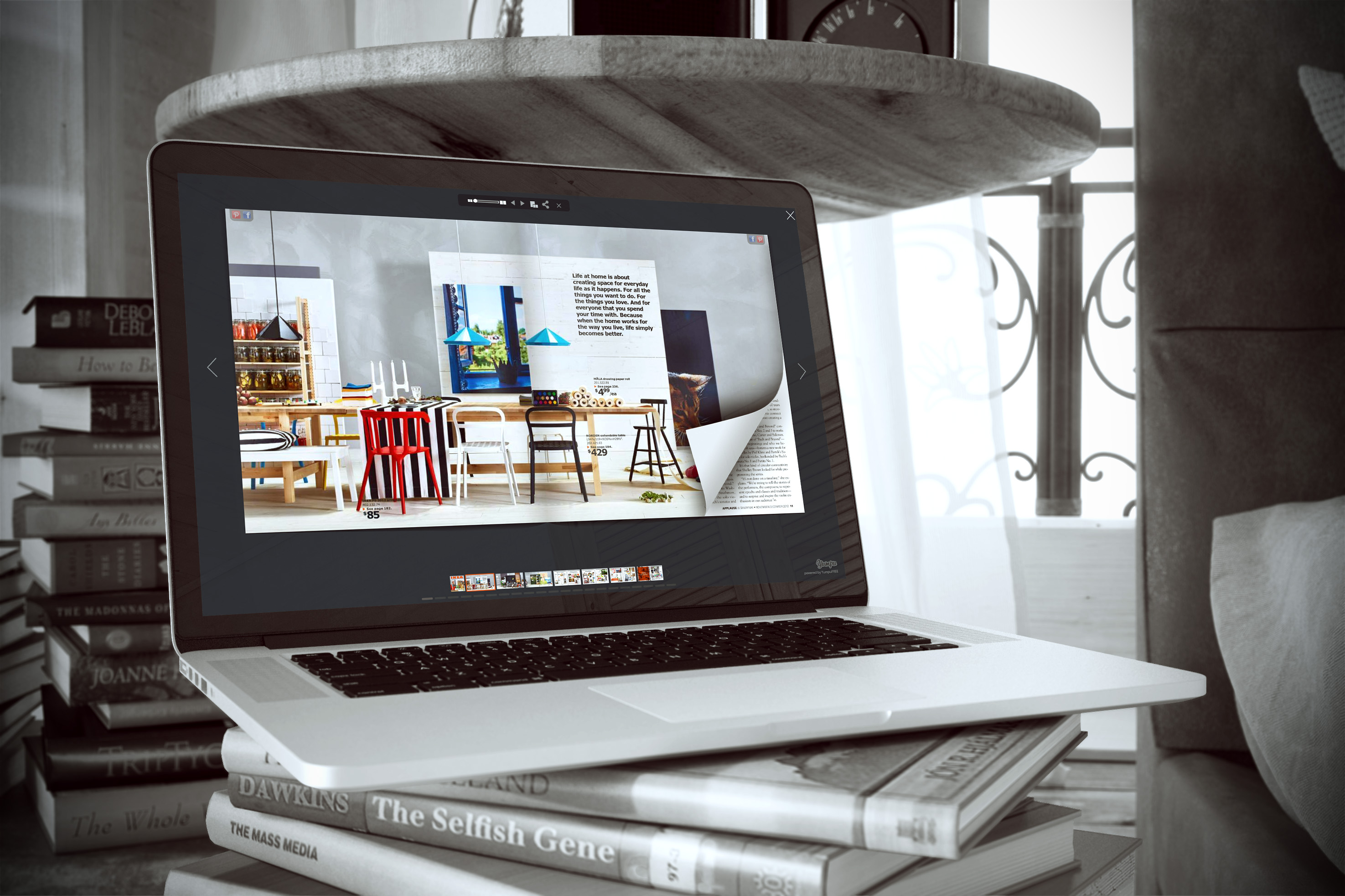
Flipbooks are technologically innovative and highly effective in distributing content and data. The ability to share information on multiple platforms at an unbelievable rate of speed has created the perfect storm for individuals and companies that want to get their message out to the masses. One way that this has been done effectively over the last decade is through eBooks and eMagazines. These digital publications allow content and data to change hands at the click of a mouse. The eBook, like all other internet mechanisms, is constantly evolving to meet the needs and expectations of the user. One of the latest trends that are still building momentum is flippable books. These books are highly interactive and provide great potential for engagement. The thing that has most individuals and businesses in a holding pattern is determining the best possible way to create and publish a flipbook. YUMPU Publishing provides an innovative and easy-to-use platform in which anyone can make a flipbook in a matter of Minutes.
What is a Flipbook ?
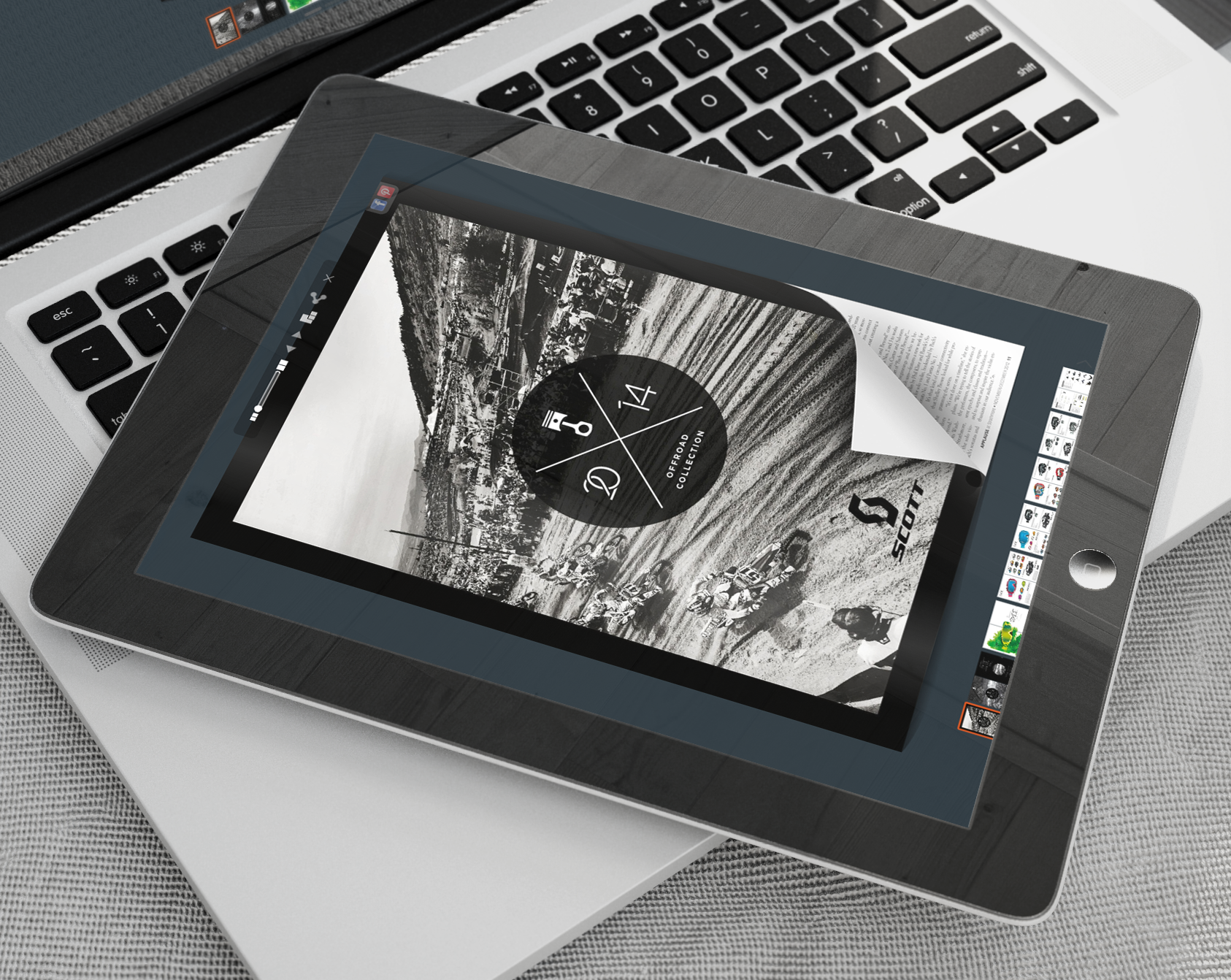
You may be wondering what in the world I’m talking about. Allow me the opportunity to step back for a minute to explain what a flipbook is. A flipbook is a digital book that has flippable pages. In other words, the user can flip through the digital pages much in the same way that they would flip the through a book with paper pages. The books makes the sound of pages turning every time a page is flipped. The user can actually see the pages turning and revealing the next page. It provides a certain level of familiarity while exposing the reader to the convenience of digital access.
These books are used for a number of different reasons. Authors are using these books to gain more exposure for their work while businesses are using them to offer relevant content to their target audience. There is no limit to how these digital books can be used. There will be more on this later.
Making a Flipbook
The internet has grown and expanded its reach at an extremely rapid pace. The methods that were effective just several years ago have been made obsolete by new technology. This technology has created what is known as “ease of access.” Where it used to require a high level of knowledge or an extensive budget in order to create and publish an eBook, people are able to use sites such as Yumpu.com to create high-quality flippable books in a very short period of time. YUMPU Publishing is the world’s top producer of digital publications and they have put a great deal of effort into supplying authors and magazine publishers with an easy way to publish their work online.
When you are ready to publish your flipbook you can simply visit Yumpu.com and create a user profile. Once your profile is complete, simply click the upload button at the top of the screen. You will then be guided through the very short process of uploading and publishing your flippable eMagazine or eBook. In fact, once the file has been uploaded, the software automatically begins to convert the file to a flippable publication.
You will be allowed to create a title, meta-description and category for your publication. All of this can be done in a matter of minutes. It’s that simple
Register at Yumpu.com
Create your Flipbook in just 2 minutes
Put links, videos, and audio files into your Flipbook
The Multiplicity of Uses
Earlier I mentioned a couple of uses for flippable publications. The truth is that there is no way to compile an exhaustive list of the ways that these publications can be used. Obviously, they can be used to promote your passion or product. Many people use the services at Yumpu.com to create highly functional and mobile digital catalogs to promote a number of products at once. These flippable catalogs are not only attractive, but they are highly interactive. Interactivity is huge in the online business world. The more you can engage your customer or target audience the easier it will be to develop that relationship that leads to customer loyalty and brand recognition.
Many authors use the services at YUMPU Publishing to increase their reach and exposure. Here is an example. An author already has their book published through another publisher, but they are not getting the publicity they need for the book. Just as important is the fact that the author is not getting the exposure necessary to build interest in their book. By uploading and hosting their flipbook on YUMPU, they are able to have access to the millions of readers that browse the flipbooks on the YUMPU site. This helps the author build the exposure that they are looking for as well as increases the awareness of the book itself.
The days of difficult processes associated with creating quality digital publications are a thing of the past. With the easy-to-use software program at Yumpu.com, you can have your flipbook published and available to the public in a matter of minutes.

Leave a Reply
Your email address will not be published. Required fields are marked *
Comment sent successfully.
Comment could not be sent.
Welcome to YUMPU!

My name is Belinda Reiler.
I am very excited to begin my second year at YUMPU! What I really love about Yumpu.com is that everyone - without any technical knowledge - can create amazing looking online magazines!
What do we offer:
 Create flippable PDF for free
Start now and create and publish your own flippable magazine in just a few minutes!- Solutions for everyone
Create page flipping publications online. From beginners package to your own WEBKiosk and your own APP – there is a solution for everyone.
What our customers say:
"YUMPU convinced us with easy handling and a competitive price. YUMPU offers great performance and support. Other companies have to adjust to compete with it."

ALEX LENZ
40INCH.DE
"I love the whole idea of YUMPU and especially the people behind it, which I previously got to know! I am happy to recommend YUMPU."

GREGOR FILSER
TISCHLER-REISEN.DE
Satisfied customers tweet:
 We’re using www.yumpu.com for 2 months now. Their service is head and shoulders above what other ePaper websites have to offer.

 If you want your publication to look professional, visually stunning & expensive, you should consider #YUMPU free service.


I have been looking for a couple of days now at the different aspects of where to host my magazines, Yumpu.com wins all the time