JQuery Flipbook – The best, easy and free solution

They are fantastic for long publications that contain information that is desperately needed because they encourage the reader to keep reading. Because of this, there are a large number of advantages that are associated with using jQuery flipbooks, which can be easily created on YUMPU Publishing.
1. JQuery Flipbooks to Hold the Reader’s Place
The most frustrating part about reading a PDF file is that many people find that it is difficult for them to keep their place. This is important because when people are unable to stay where they are currently reading when moving down the page, they will be less likely to read the information. Double columns, large graphs, and other methods of packaging information are much more feasibly experienced when they are on one page that can be viewed as a whole, rather than in chunks that will require constant scrolling and finding where the most currently read information was located.
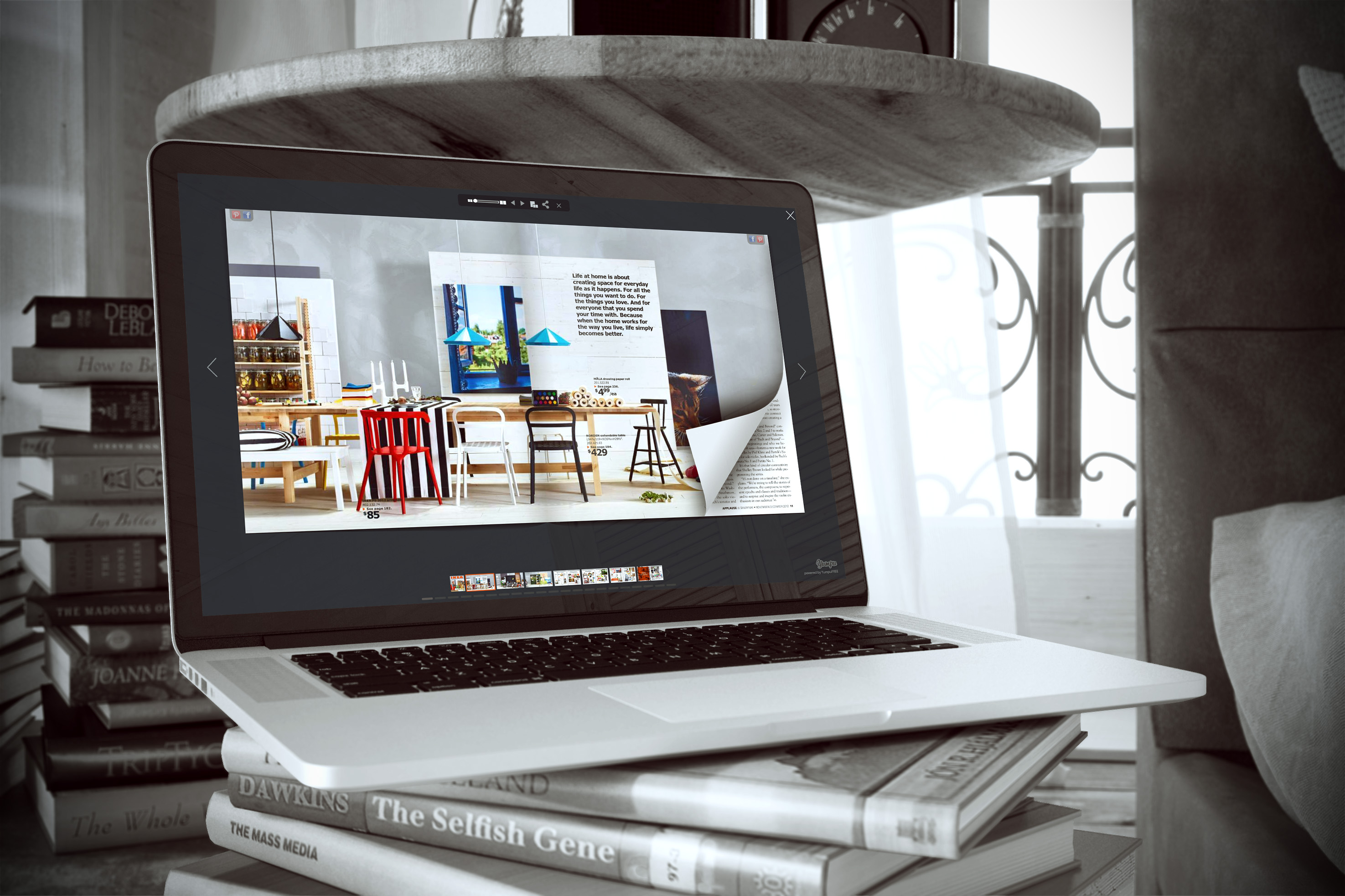
Here’s a JQuery Flipbook example:
2. Flipbooks are Visually Appealing
Another advantage is that the Yumpu.com jQuery flipbook is very visually appealing. This is because it causes the image or pages of the information to look like the glossy pages of a magazine. It has been shown that the more enjoyable it is to read a publication, the longer a person will stay on the page and the more likely it is that the entire contents will be experienced. Visually appealing publications are able to both retain and encourage readership because people who have enjoyed the publication are very likely to share the article and other information with those in their social circles. This greatly increases overall exposure for the publication.
3. Able to Track Who is Reading
Another advantage is that the jQuery flipbook will be able to track the types of people who are reading the publication, how long the average reader stays on the page or within the publication, at what times the information is most commonly accessed, and other important statistics. This allows companies to make sure that the content in their online publications has been optimized to fully meet the needs and expectations of the customers.
4. JQuery Flipbooks are easy to Search
Another great feature is that jQuery flipbooks are very easy to search. This allows the reader to find precisely the information that is needed within a very short amount of time. This makes the publication extremely efficient and allows a reader to be as effective as possible.
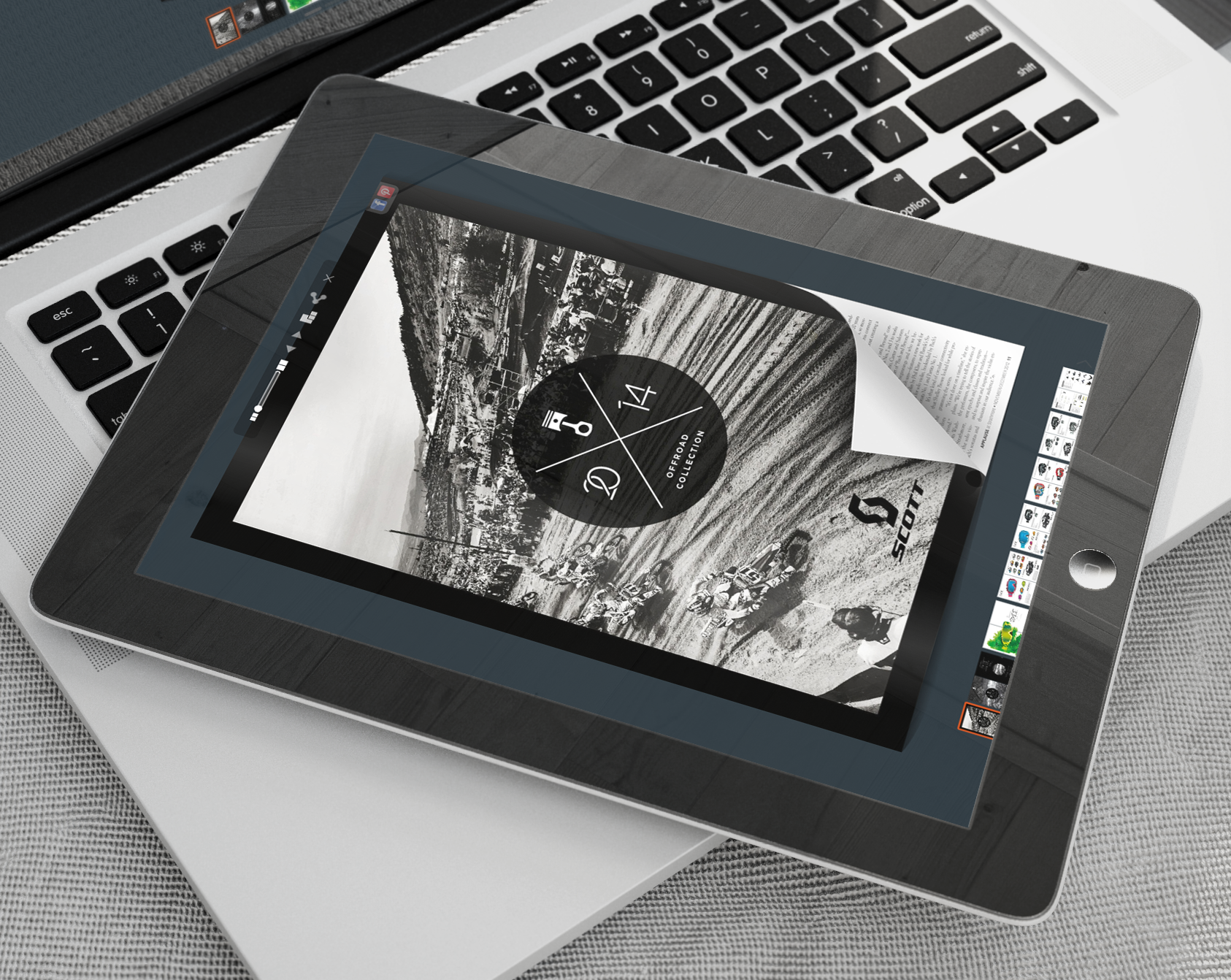
5. Can Be Read on Mobile Devices
Not only can jQuery flipbooks be read on regular computers, but they can also be read on mobile devices, increasing access to the online publications and allowing them to be taken pretty much anywhere.
6. Automatic Space to Publish
Yumpu.com offers an automatic place to post and publish the finished jQuery flipbook, allowing people to easily access and read it. This is helpful because it provides a landing site that companies are able to link to in order to ensure that the information is read. Links to the page provided by Yumpu.com can be posted on social media platforms, emailed to clients, and shared with employees. This will ensure that everyone who needs access to the form will be able to get it.
7. Free
Yumpu.com provides high-quality online publishing services for free. This is incredible because many sites will charge an arm and a leg for such services. This allows companies large and small, or even individuals to publish their work online in a format that is easy to read and that will attract readers.

Leave a Reply
Your email address will not be published. Required fields are marked *
Comment sent successfully.
Comment could not be sent.
Welcome to YUMPU!

My name is Belinda Reiler.
I am very excited to begin my second year at YUMPU! What I really love about Yumpu.com is that everyone - without any technical knowledge - can create amazing looking online magazines!
What do we offer:
 Create flippable PDF for free
Start now and create and publish your own flippable magazine in just a few minutes!- Solutions for everyone
Create page flipping publications online. From beginners package to your own WEBKiosk and your own APP – there is a solution for everyone.
What our customers say:
"YUMPU convinced us with easy handling and a competitive price. YUMPU offers great performance and support. Other companies have to adjust to compete with it."

ALEX LENZ
40INCH.DE
"I love the whole idea of YUMPU and especially the people behind it, which I previously got to know! I am happy to recommend YUMPU."

GREGOR FILSER
TISCHLER-REISEN.DE
Satisfied customers tweet:
 We’re using www.yumpu.com for 2 months now. Their service is head and shoulders above what other ePaper websites have to offer.

 If you want your publication to look professional, visually stunning & expensive, you should consider #YUMPU free service.


I have been looking for a couple of days now at the different aspects of where to host my magazines, Yumpu.com wins all the time