Flipbook App – The best method with a really helpful example
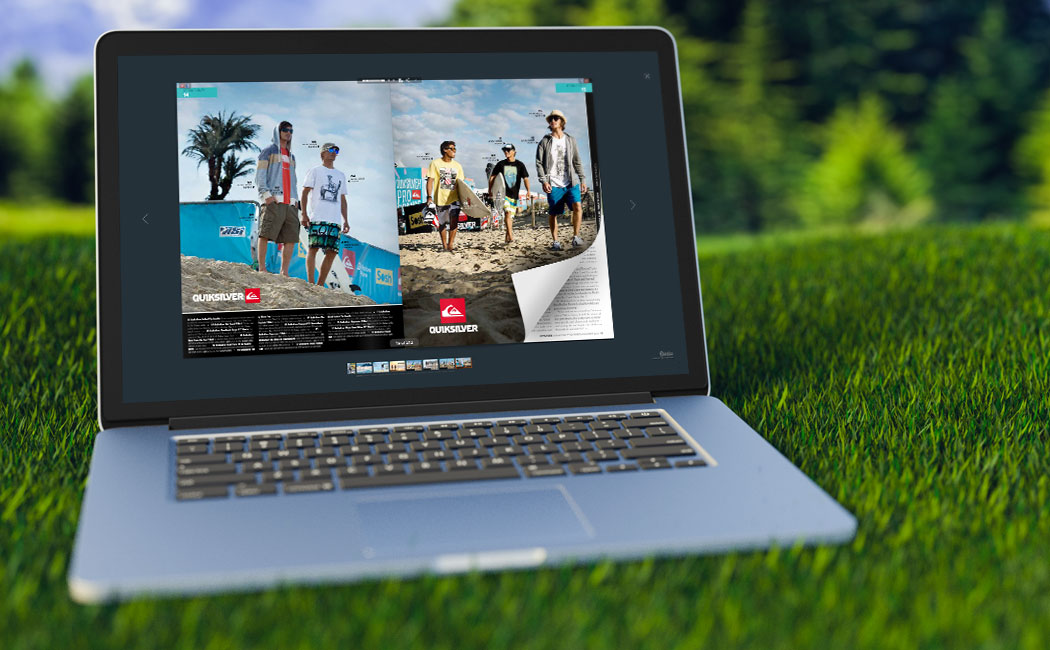
Hundreds of PDF converters are now available on the Internet, and perhaps you are having difficulty in choosing the right one for your needs. Some apps promise to convert a PDF into a great layout and deliver less than stellar results. Some PDF converter companies may require that you download a cumbersome app that eats up your computer’s memory or even contains viruses. For an easy-to-use PDF converter that does not require a download, YUMPU Publishing may be your solution. YUMPU easily converts PDF files into e-books, online catalogues, flipbooks and even sleek documents that contain animated graphics. Whether you have a restaurant requiring an online menu or a retail store requiring an online catalogue, YUMPU provides the online documents you need.
Before you use a PDF converter service, you should make sure that a reputable company operates the service. A company should never compromise the information that you upload for the purposes of conversion. The software is committed to treating your information with the utmost integrity and confidentiality.
Customer reviews can also be a great indicator of whether a PDF converter delivers optimal results. When you research YUMPU reviews online, you will find that many customers have experienced the joy and ease of using our PDF converter. Small businesses can compete in the global economy and stay within budget due to the affordability of YUMPU services.
Flipbook App the importance of great customer service
As you upload PDF documents to convert them into an eMagazine, eCatalog or ePaper, you may have questions about the font size, font type, formatting and spacing. The problem with many PDF converter services is that no customer representative is available to discuss your concerns. At YUMPU, you can always find customer representatives who can discuss your needs. Anytime you have a question or concern, you can feel free to give us a call. While we offer plenty of tutorial videos and guides that we hope you find helpful, we also realize that sometimes you just want to speak with a human for help. We will never make you read through a lengthy FAQ to get the answer you deserve.
Configuring Your PDF File for Optimal Results
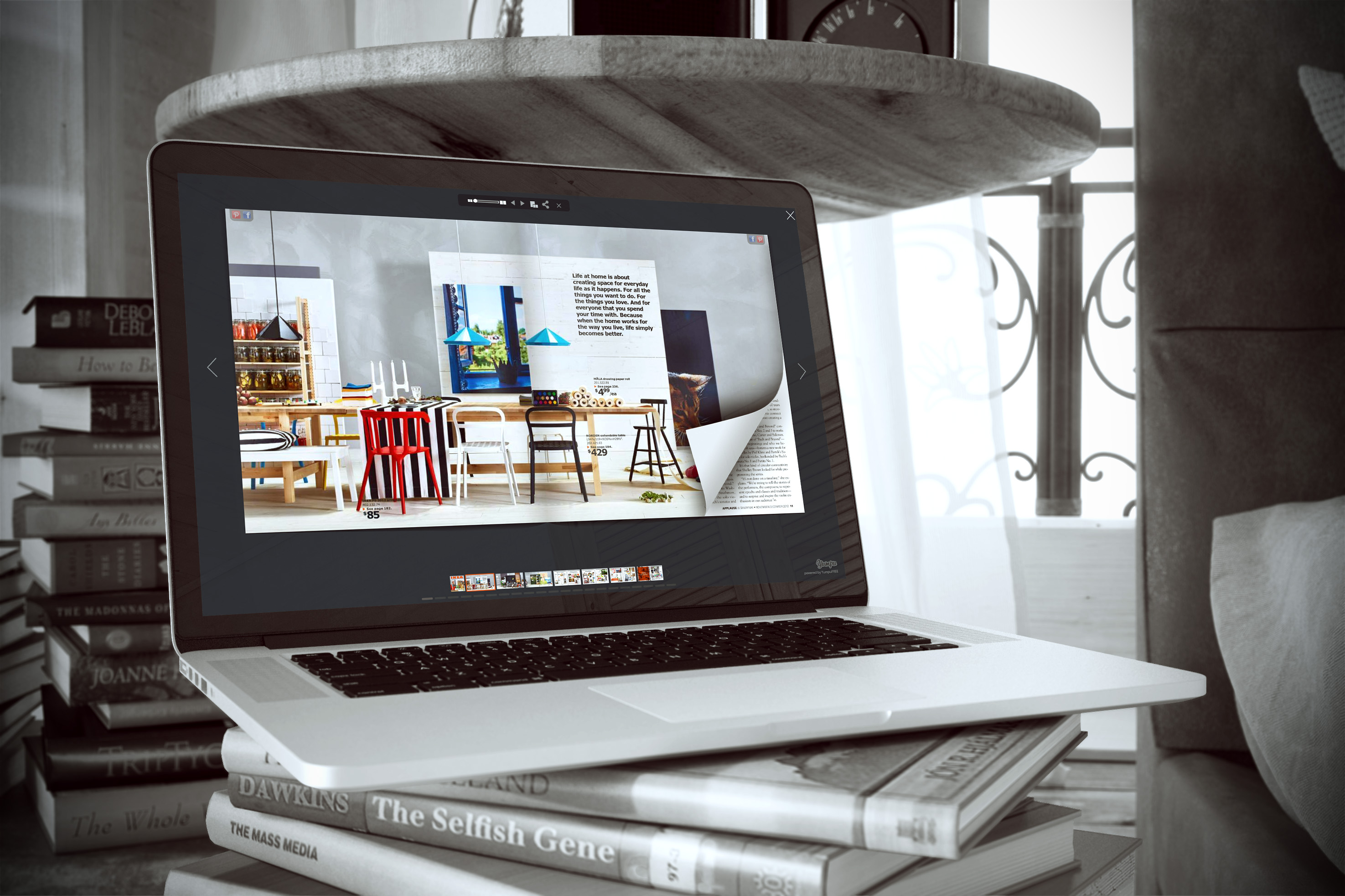
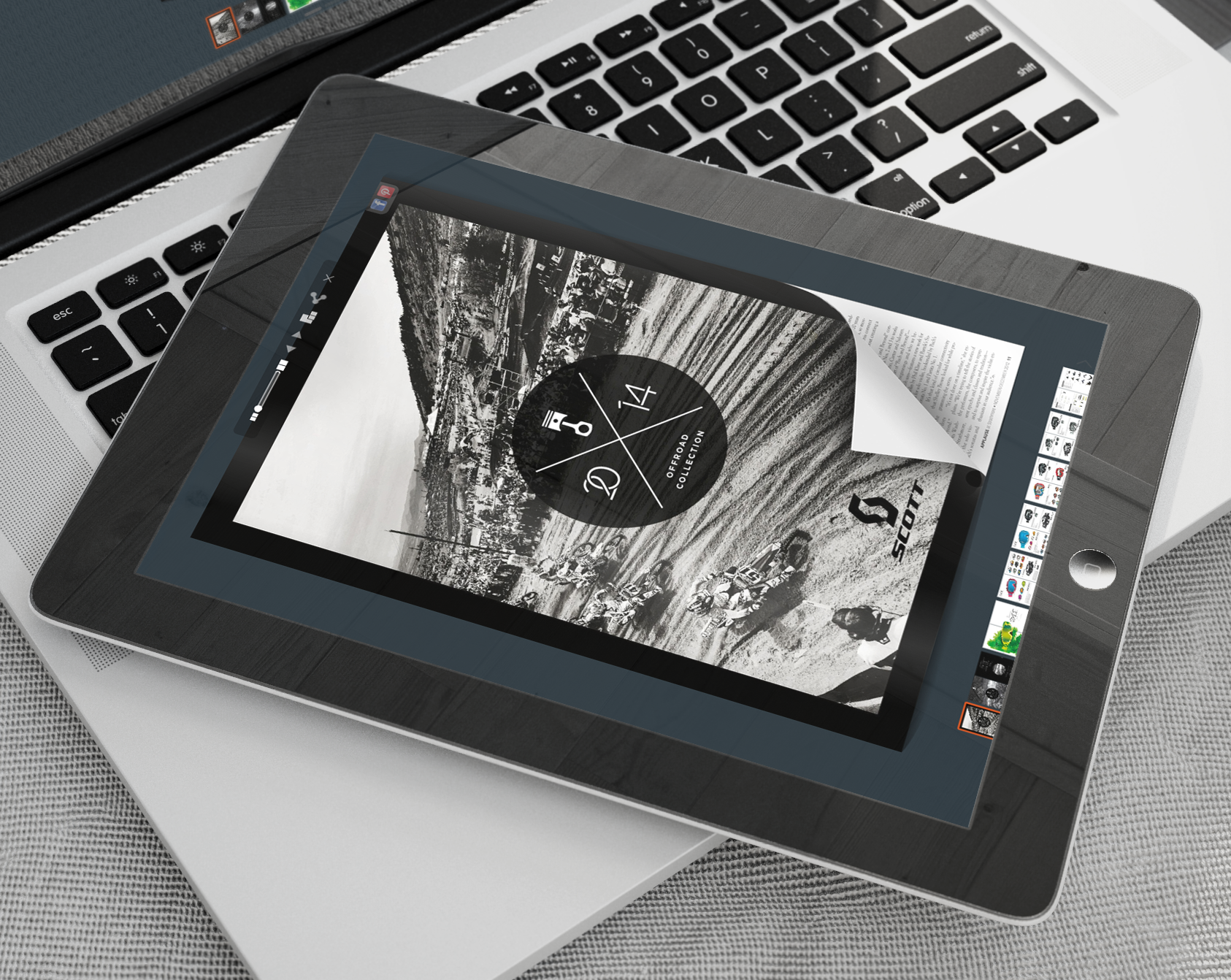
The best flipbook app will create an elegant document that offers an authentic page-turning experience for customers. YUMPU uses the best animation software to make sure that businesses are able to deliver this optimal experience for customers.
Unfortunately, other PDF converters do not deliver these results. They may lack the superb technology to accurately convert text and HTML coding into a sleek document. A business owner may be left with a document that lacks a page-turning function or contains awkward spacing issues. You can avoid this frustration by choosing YUMPU as your PDF converter.
Availability of Helpful Tutorials
If you are interested in learning how to create a 3D PDF or other interactive PDF, YUMPU maintains numerous tutorials to provide you with instruction. Videos are often a few minutes in length and teach you how to efficiently create an online magazine or catalog. You do not need technical knowledge or experience to create an online catalog with YUMPU. All you need to do is upload your PDF file to convert it into a flippable PDF document. Even if you have questions about uploading a document to create flipbooks, a video tutorial is available to teach you about this process.
Create Authentic Documents for Your Business
YUMPU enables you to create authentic documents for your business. You can easily replicate your restaurant’s menu to allow customers to order take-out from home. You can replicate a portfolio of your latest paintings and send the flipbook to interested patrons. YUMPU makes anything possible with its PDF conversion services.
Reach Out to Millions of People
Your business can now reach out to millions of people by creating a flippable PDF. Flipbooks are a great way to stay competitive and keep your customers updated on the latest developments in your company. YUMPU Publishing is one of the best flipbook app tools available on the Internet to assist you in your endeavors.

Leave a Reply
Your email address will not be published. Required fields are marked *
Comment sent successfully.
Comment could not be sent.
Welcome to YUMPU!

My name is Belinda Reiler.
I am very excited to begin my second year at YUMPU! What I really love about Yumpu.com is that everyone - without any technical knowledge - can create amazing looking online magazines!
What do we offer:
 Create flippable PDF for free
Start now and create and publish your own flippable magazine in just a few minutes!- Solutions for everyone
Create page flipping publications online. From beginners package to your own WEBKiosk and your own APP – there is a solution for everyone.
What our customers say:
"YUMPU convinced us with easy handling and a competitive price. YUMPU offers great performance and support. Other companies have to adjust to compete with it."

ALEX LENZ
40INCH.DE
"I love the whole idea of YUMPU and especially the people behind it, which I previously got to know! I am happy to recommend YUMPU."

GREGOR FILSER
TISCHLER-REISEN.DE
Satisfied customers tweet:
 We’re using www.yumpu.com for 2 months now. Their service is head and shoulders above what other ePaper websites have to offer.

 If you want your publication to look professional, visually stunning & expensive, you should consider #YUMPU free service.


I have been looking for a couple of days now at the different aspects of where to host my magazines, Yumpu.com wins all the time