Create Flipbook Publications in Minutes – includes Example!
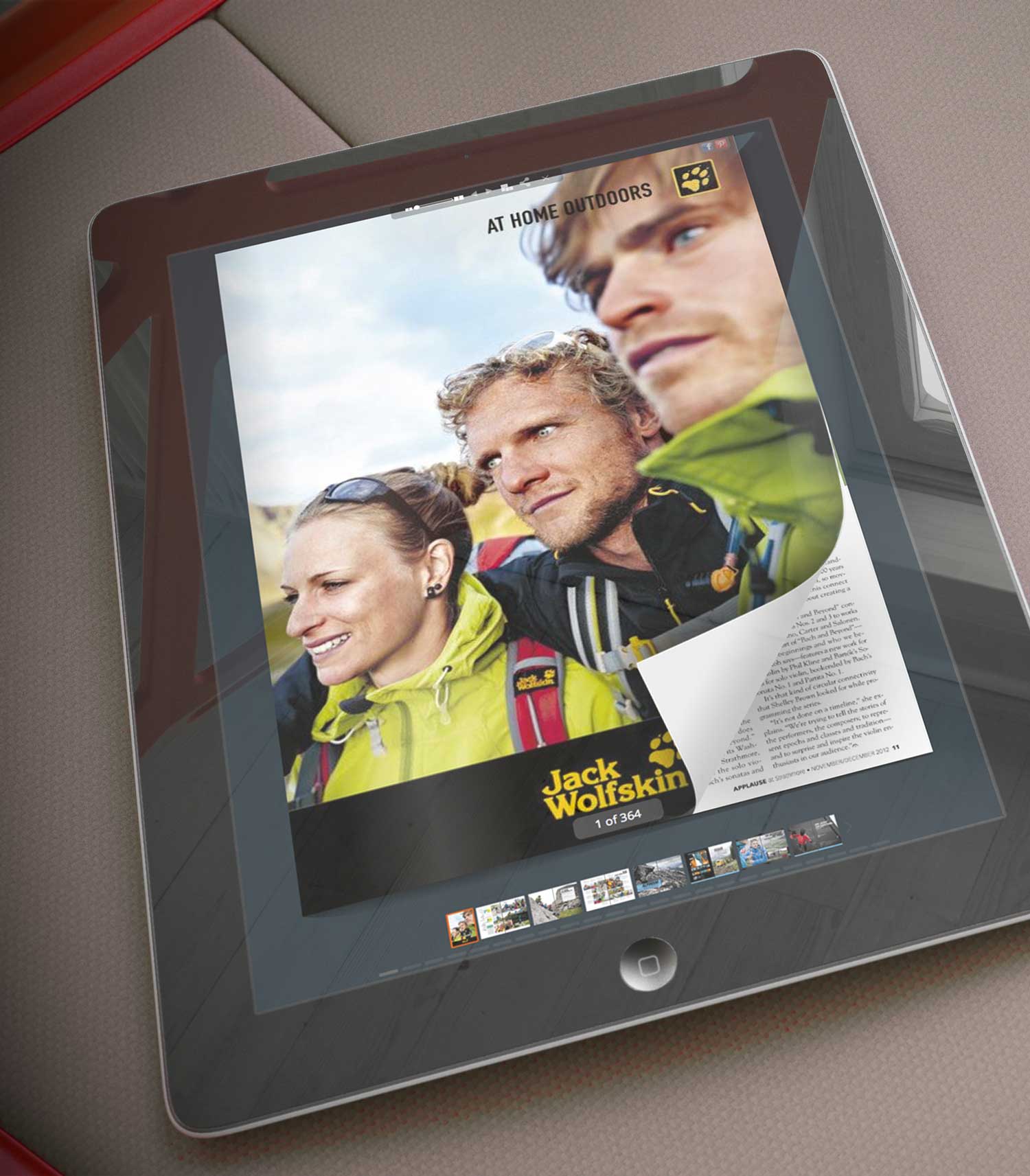
You would rather write and publish than wrestle with complicated online publishing applications. Use the tools at YUMPU Publishing and have your Flipbook PDF-based magazine, catalog or paper up and running within a few minutes.
Why Create a Flipbook?
Digital publications have been around for about 20 years and everyone knows how tedious it can be to scroll down, down, down just to read the next page. The advent of e readers such as Kindle and Nook made more book-like publications almost mandatory if publishers wanted to continue engaging their readers.
Many sites still use the clumsy method of embedding links to their PDFs within their text content. While this is a vast improvement over finger-numbing scrolling, it is still awkward and time-consuming.
Flipbooks are the online answer to this demand for better readability. But what is easier for the reader can be nightmarish for the publisher lacking the right tools. YUMPU Publishing ends those nightmares.
Converting Documents to PDFs
You may be the world’s best undiscovered famous writer. You live in the world of words, ideas and pictures, not the world of software applications. In today’s publishing environment, you cannot afford to blow off the technical side of the business entirely.
PDF means “portable document file.” By converting a .doc, .docx or similar file to a PDF, a document retains the appearance of the original page and the photos on it.
Adobe is perhaps the best-known of the companies offering PDF conversion applications, and it charges for the use of its products. The price tag can be steep for a struggling new publication, though.
The OpenOffice suite offers a free-of-charge converter, along with a number of other handy tools. Their PDF creator and converter work well.
Simple Uploading
You will not believe how easy it is to upload your PDF files using YUMPU. If you know how to post photos on social media sites such as Facebook, uploading a PDF to Yumpu.com will be a breeze.
Click the Browse button and select the PDF files you want to upload. During this process, YUMPU extracts all the images, links and textdata in your document for search engine optimization. Potential readers will be able to find your online flippable publication within a second.
What Happens Next is Amazing
Once your readers have found your publication, they can share Flipbook on Facebook and Twitter. Readers can copy and send links through email and even embed links from your publication on their sites.
The Internet really is the World Wide Web. People around the globe now have access to your flippable PDF publication. And you did it in a few minutes using your computer.
The Rise of Social Media
Promoting a publication used to mean delivering hundreds of physical copies of a catalog, magazine or newspaper to retail locations. While these places offered high visibility for a publication, the first few press runs were often offered free of charge in hopes of attracting future customers. Meanwhile, novice publishing companies’ cash flowed out the office door.
You can use the same concept with an online publication but without the physical effort and cash crunch. Promote your flipbook using social media sites such as Facebook and Twitter and grow your circulation base much faster. Create a Facebook page for your publication or take advantage of Twitter’s ability to spread the word via hashtags. It is that simple.
Social media is today’s version of word-of-mouth advertising. Word of mouth was effective but the financial results were wildly unpredictable. Social media sites help you track how effective your marketing efforts are, allowing you to adjust them as needed.
Take a Test Drive on Yumpu.com
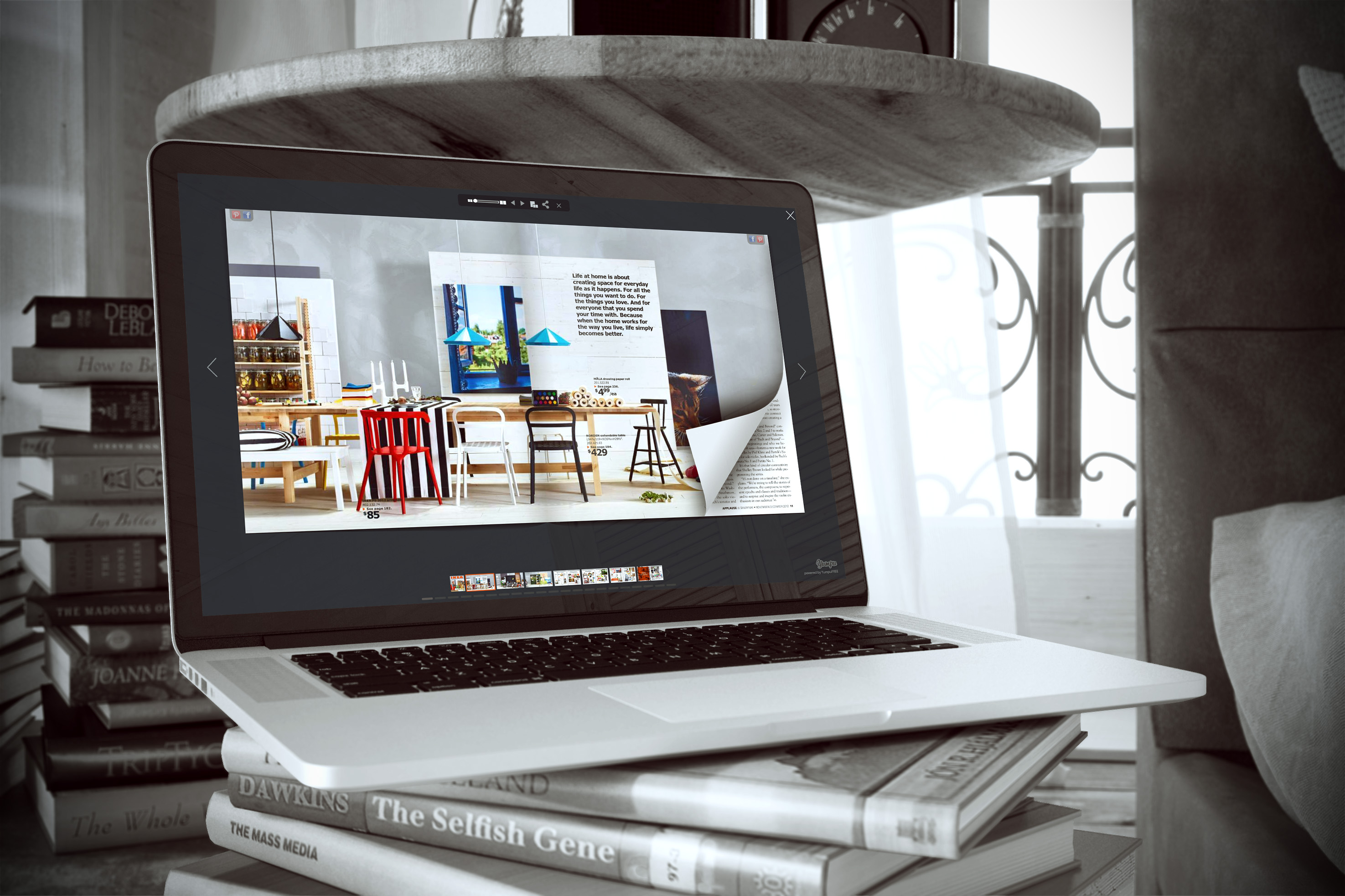
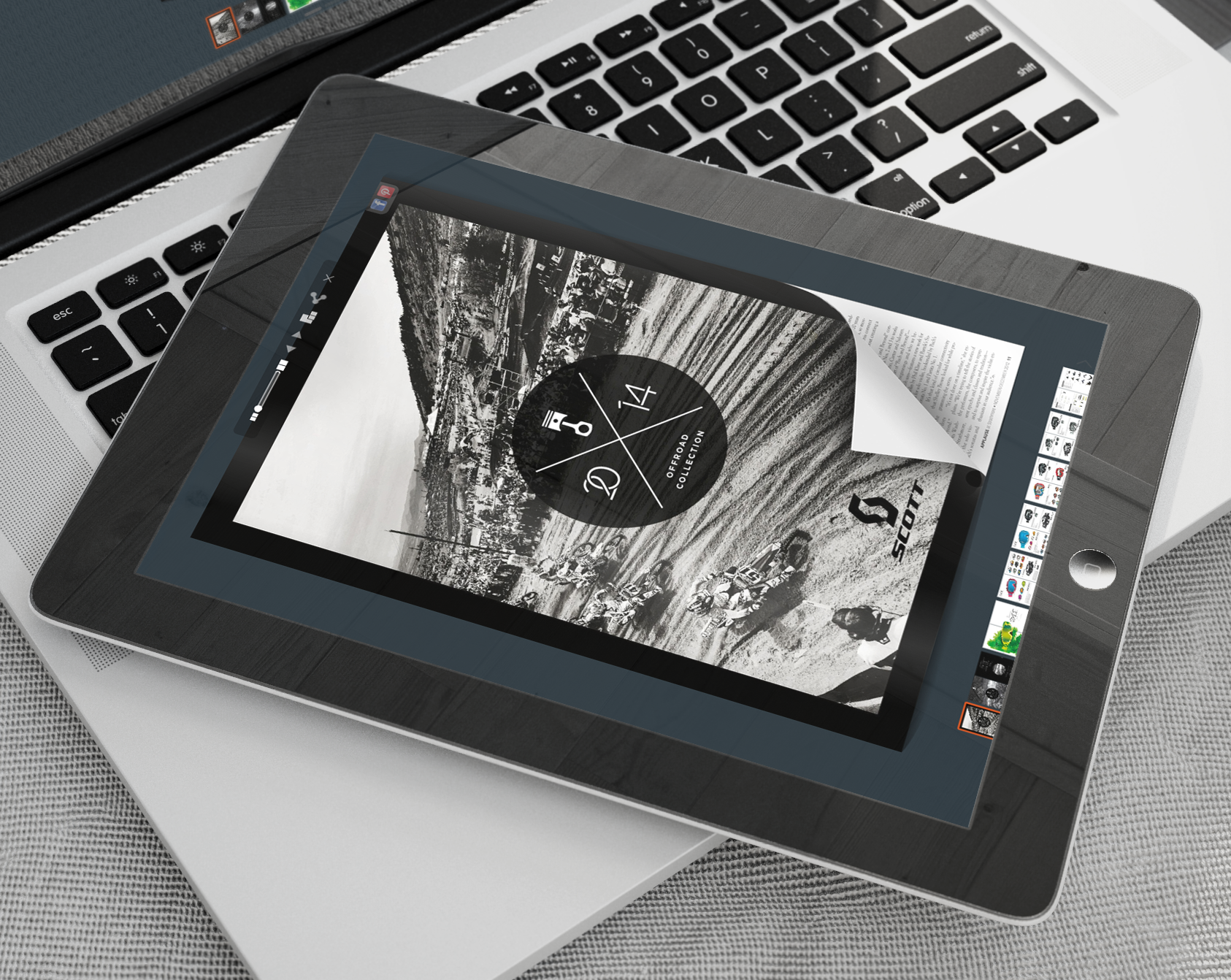
YUMPU’s clients range from the always-intriguing IKEA catalog to the always-appetizing Real Food magazine. They are all viewable on YUMPU Publishing‘s website, providing hours of inspiration to publishers who want to go flippable.
If you want to test the waters before committing yourself fully, YUMPU offers a free package that should work nicely for one or more fledgling publications.
That is right. If your brain is teeming with visions of a far-reaching online publishing empire, YUMPU’s free version can help take them from the idea stage to fruition.
HTML5, Flash, and JavaScript are also included with the free version. You as a writer may have heard of these terms in passing, but you may not know what they are. These are the hidden digital tools that make a lot of things work on websites and in e-publications such as flipbooks. YUMPU Publishing includes these in all its packages, so you can concentrate on your publication and forget about the technical side of things.

Leave a Reply
Your email address will not be published. Required fields are marked *
Comment sent successfully.
Comment could not be sent.
Welcome to YUMPU!

My name is Belinda Reiler.
I am very excited to begin my second year at YUMPU! What I really love about Yumpu.com is that everyone - without any technical knowledge - can create amazing looking online magazines!
What do we offer:
 Create flippable PDF for free
Start now and create and publish your own flippable magazine in just a few minutes!- Solutions for everyone
Create page flipping publications online. From beginners package to your own WEBKiosk and your own APP – there is a solution for everyone.
What our customers say:
"YUMPU convinced us with easy handling and a competitive price. YUMPU offers great performance and support. Other companies have to adjust to compete with it."

ALEX LENZ
40INCH.DE
"I love the whole idea of YUMPU and especially the people behind it, which I previously got to know! I am happy to recommend YUMPU."

GREGOR FILSER
TISCHLER-REISEN.DE
Satisfied customers tweet:
 We’re using www.yumpu.com for 2 months now. Their service is head and shoulders above what other ePaper websites have to offer.

 If you want your publication to look professional, visually stunning & expensive, you should consider #YUMPU free service.


I have been looking for a couple of days now at the different aspects of where to host my magazines, Yumpu.com wins all the time