Flip Book Video – Insert a video for free in no time
The world’s changing and that’s a good thing. This is especially true with the printed words. You may feel uncomfortable to see how rapidly things are changing, but that just may mean you’ve got a unique perspective you can share with the world. Creating a Flip Book is easier than you think, and YUMPU Publishing can help you do it.
It will still be a bit of work, but the feeling of having accomplished your goal will be unbelievable. Here are some key first steps to remember when starting your online Flip Book containing a video.
Register at YUMPU Publishing
Create your Flip Book in just 2 minutes
Put links, videos, and audio files into your Flip Book
Embed the Flip Book into your website and share the catalog on social networks.
Define Your Purpose
Until you sit and define what your goal actually is there will be no sure way to determine when you get there or if you’re even moving in the right direction.
For many people, the goal is to create a profit that is large enough to live on. For others, it is to share something there passionate about with the world. It may even be a combination of these. Maybe you want to quit your job and work for yourself. Maybe you want this accomplishment to add to your resume.
Perhaps money isn’t even a factor. These days, reputation and popularity can get you far in and of themselves. An online Flip Book may serve mainly as a way of creating a platform to launch from.
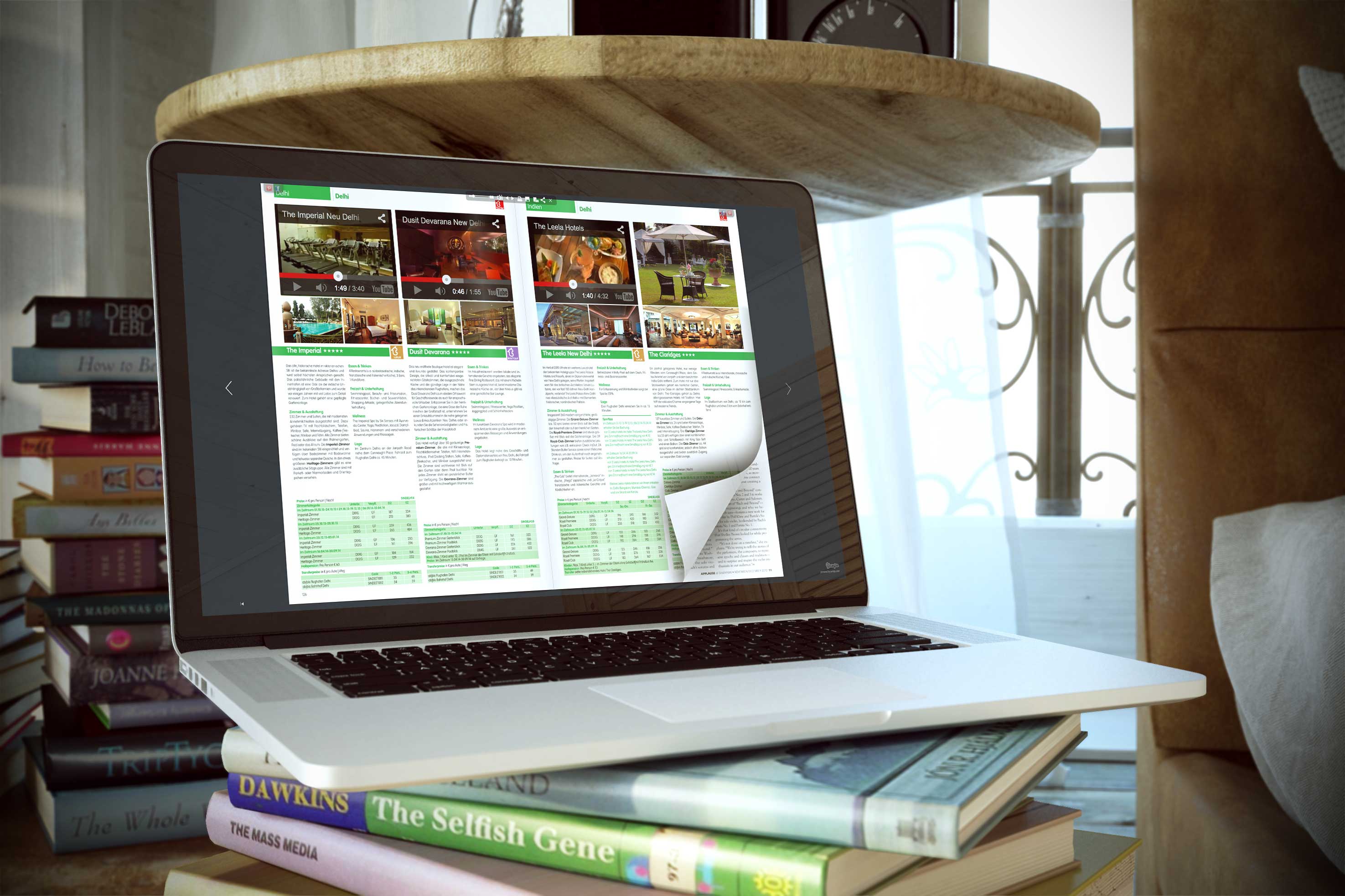
Example of a YUMPU Flip book with a Video inside:
Pick A Niche
The great thing about the market of today is that practically everything has a niche. If you are interested enough in a topic to write about it, there is a pretty likely chance that there will be some niche market out there of dedicated readers who are equally interested.
Still, you’ll want to keep in mind that if the topic gets too granular, it may be difficult to get it into the hands of potentially interested readers and is not likely to be super scaleable. Also, if the niche category you pick is too broad, then you will just get lost in the sea of other bloggers, authors and speakers who are also covering your topic.
So, focus on something you’re interested in primarily, but also keep an awareness of the demographic out there and any competition that may be doing something similar.
Better content with a Flip Book containing a Video
The most important way to grow any magazine is by writing lots of content. The number one reason many digital magazines go belly up is that they simply were not delivering enough content.
The key factor in being able to write the amount of content that will be necessary for your magazine to grow is passion. Knowledge of a topic is important, but nowhere near as important as it used to be. The reason that passion trumps knowledge is simple: the internet. Literally anything you want to learn about is just a few clicks away.
The thing that will give you the motivation and drive to keep researching and writing is a genuine fascination for the topic in which you are writing about. Passion is all important in this game. It will drive your curiosity to check the right facts, to be prolific, and to keep going even when you feel the dip that inevitably comes with the undertaking of any new venture.
One way to ensure you have a topic that will give you enough fuel to carry this magazine forward tis to create a list of topics, and eventually whittling it down to 2 or 3 which are the most interesting to you. Then, take those 2 to 3 topics and and brainstorm 20 to 40 article headlines for each one.
You will quickly find that the exercise is easier for one of these topics. That is likely the one you’d be the most passionate about.
Strategize Marketing
Marketing is absolutely essential to most ventures, the case of starting an online Flip Book being no exception. It has been said that you should spend as much time marketing a product as it took you to create it. Simply building your thing and then sitting back and hoping it will spread through word of mouth is highly unsound.
The good news is that the process of marketing can be really fun. It’s a chance to tell everyone about this project you’ve been working on. And the best part is finding people who are genuinely interested in the work you're creating and who have been looking for something like this in their lives. What better feeling is there?
With a simple marketing strategy, you can go a long way. So, how do you start marketing? Google! Start searching for similar sites, authors, bloggers, and communities where you sense an overlap and start “shaking hands,” digitally speaking. Sure face to face is important too. Many actual events can be found through online communities, forums, Facebook groups, etc. though.

Leave a Reply
Your email address will not be published. Required fields are marked *
Comment sent successfully.
Comment could not be sent.
Welcome to YUMPU!

My name is Belinda Reiler.
I am very excited to begin my second year at YUMPU! What I really love about Yumpu.com is that everyone - without any technical knowledge - can create amazing looking online magazines!
What do we offer:
 Create flippable PDF for free
Start now and create and publish your own flippable magazine in just a few minutes!- Solutions for everyone
Create page flipping publications online. From beginners package to your own WEBKiosk and your own APP – there is a solution for everyone.
What our customers say:
"YUMPU convinced us with easy handling and a competitive price. YUMPU offers great performance and support. Other companies have to adjust to compete with it."

ALEX LENZ
40INCH.DE
"I love the whole idea of YUMPU and especially the people behind it, which I previously got to know! I am happy to recommend YUMPU."

GREGOR FILSER
TISCHLER-REISEN.DE
Satisfied customers tweet:
 We’re using www.yumpu.com for 2 months now. Their service is head and shoulders above what other ePaper websites have to offer.

 If you want your publication to look professional, visually stunning & expensive, you should consider #YUMPU free service.


I have been looking for a couple of days now at the different aspects of where to host my magazines, Yumpu.com wins all the time