Flip Book Software turns PDF into a Professional Flipbook
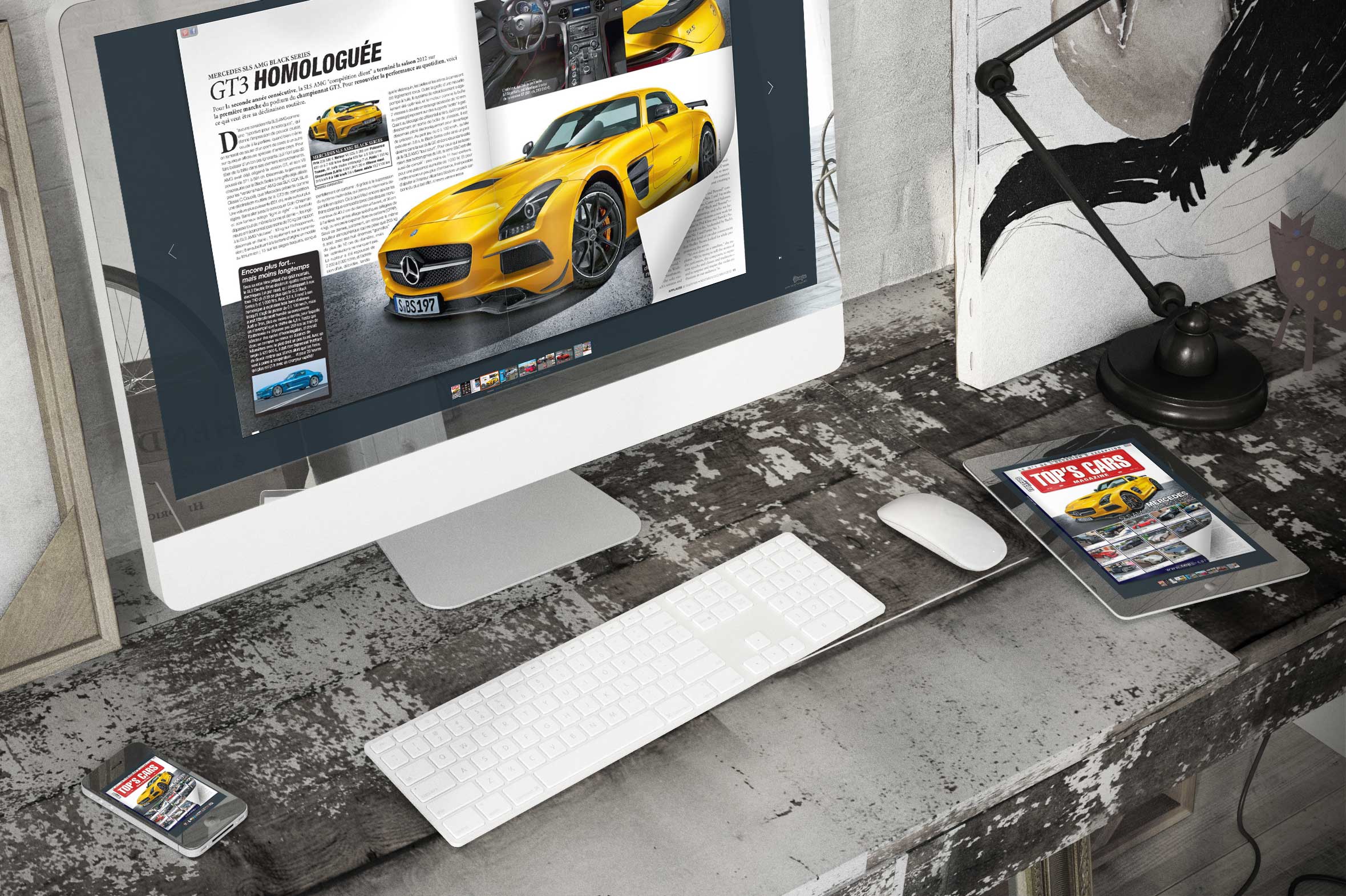
Are you looking for a way to take your PDF and make a catalogue or a flip book out of it, but do you not have the technical expertise or the time to work on the project? You may not have the talent for image manipulation, or you may not have the software. Even with the right tools, you may just want a faster option, knowing that you cannot put hours and hours into crafting this flip book on your own. If so, you’ll be glad to know that YUMPU Publishing can help you transform your PDF in no time. It’s fast and easy, and it does not require you to have any special knowledge or training.
How to Use the Flip Book Software
When you get to the site, you’ll see that it’s very easy to use the software. It gives you all of the options that you need so that you can create professional-quality magazines and online catalogues in seconds. You just drag and drop the PDF file, or you can select it off of your hard drive and upload it that way. Once it is up, it is automatically transformed into the correct format for the new documents. You make a few choices so that it looks exactly how you want it to look, and you’re done. You publish your work, draw in new readers and concentrate on spreading the word – not on making the product.
What Types of Files Can be Used?
At this time, you have to use PDF files. No other formats are supported. If you have a document that is not a PDF, though, it is very easy to create one. You can transform most files to PDFs with the software that comes on your computer, whether it is a Mac or a PC. Even if you do not have the software right now, you can often get it for free. Just follow these steps:
1. Open the file that you want to change.
2. Go to the Print Options page.
3. Choose to print with the PDF software, rather than the physical printer.
4. On some computers, the option will show up as “Save as PDF”, rather than “Print as PDF.” Either one will work, depending on your system.
5. Choose a location to save the new file.
6. Watch the conversion take place before your eyes, in just seconds.
7. Open the PDF to make sure that the conversion was successful.
You can do this with documents, pictures, images and most other file types. Almost anything that can be printed in the traditional fashion can be turned into a PDF.
How Many People Use These Magazines?
On the whole, there are more than 500 million magazine pages on the Internet. There are more than 18 million magazines. These numbers are literally climbing every minute, as the publishing revolution continues. Traditional magazines almost all have online options as well, and there are many magazines and ePapers that are never even printed; they exist exclusively online. The popularity of flip book software has never been higher.
Why Do People Choose Online Options?
The reasons for creating these online magazines vary tremendously. First and foremost, it is the fastest and easiest way to get your publication in the hands of as many people as possible, as fast as possible. Distribution is simple, so your audience, which can be located anywhere in the world, can be vast.
On top of that, many people prefer online publications because of their environmental impact, or lack thereof. The amount of natural resources in the world is finite, and more are used up every day with traditional printing. This is costly and wasteful. It has destroyed environments and habitats.
Online publications, however, can be distributed to millions without having to ruin the environment or use any more natural resources than it would take to send them to just one person. A huge magazine with a subscription rate in the millions could still use up the same amount of resources as a brand new magazine that no one has heard of…yet.
Get Started Today
Now that you can see just how easy it is to turn your PDF into a flip book with this great Flip Book Software in almost no time at all and why it is a great idea to do so, why not get started with the flip book software today? Even if you have never used it before, it will be as easy to use as any program you’ve ever opened. Just drag and drop your PDF file, and you will find out first hand how simple this system makes it to get the professional results that you crave.
Leave a Reply
Your email address will not be published. Required fields are marked *
Comment sent successfully.
Comment could not be sent.
Welcome to YUMPU!

My name is Belinda Reiler.
I am very excited to begin my second year at YUMPU! What I really love about Yumpu.com is that everyone - without any technical knowledge - can create amazing looking online magazines!
What do we offer:
 Create flippable PDF for free
Start now and create and publish your own flippable magazine in just a few minutes!- Solutions for everyone
Create page flipping publications online. From beginners package to your own WEBKiosk and your own APP – there is a solution for everyone.
What our customers say:
"YUMPU convinced us with easy handling and a competitive price. YUMPU offers great performance and support. Other companies have to adjust to compete with it."

ALEX LENZ
40INCH.DE
"I love the whole idea of YUMPU and especially the people behind it, which I previously got to know! I am happy to recommend YUMPU."

GREGOR FILSER
TISCHLER-REISEN.DE
Satisfied customers tweet:
 We’re using www.yumpu.com for 2 months now. Their service is head and shoulders above what other ePaper websites have to offer.

 If you want your publication to look professional, visually stunning & expensive, you should consider #YUMPU free service.


I have been looking for a couple of days now at the different aspects of where to host my magazines, Yumpu.com wins all the time