Create Flipbook – Three simple steps to your success

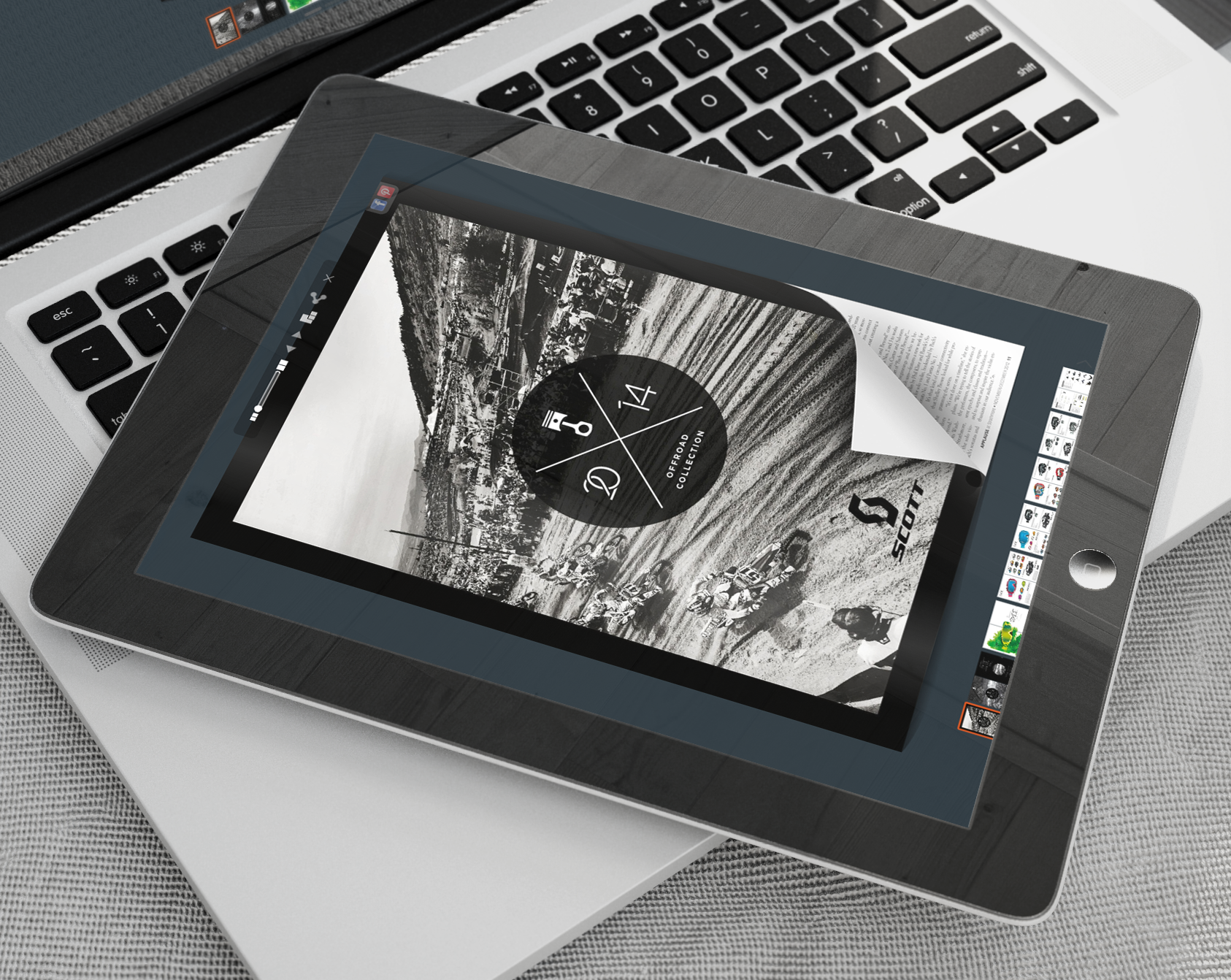
At YUMPU Publishing, a web-based publishing service, you are able to upload your PDF files and turn them into a readable online Flipbook magazine or Flipbook catalog without any conversion or publishing knowledge. It has never been easier to create your own interactive online document. These three simple steps will guide you in the right direction when interested in getting started on the process.
Step One: Getting Started on Your Flipbook
Before you are able to convert your magazine into an interactive online catalog, you must have a PDF file created. Begin by creating your PDF files the way as you see sit. Your magazine can take up as many pages as you would like for it to. Whether you are writing a novel, short story, children’s book, fashion magazine, men’s reading material or more, the possibilities are endless when you choose to take your PDF files online with YUMPU. Be sure to make the necessary edits to your PDF files, ensure that all pages are in the correct order and that imagery has been added before uploading.
Step Two: Uploading Your Interactive PDF
YUMPU Publishing makes it easy to upload any and all PDF files in just seconds. By visiting the Upload page, you are able to browse your computer for your desired PDF, select it and begin the upload process. Smaller PDF files will only take a few seconds to upload while larger files may take several minutes. After the file has uploaded, you will be prompted to log in to the site via your social networking profile or by creating a new account with YUMPU. After creating and activating your account, you will be able to view your uploaded PDF file in an interactive online flipbook format.
Step Three: Easy Advertisement and More
YUMPU seamlessly integrates with social media websites to make advertisement of your eMagazine a breeze. Once uploaded, viewers of the publication are able to easily post links to the flipbook on their Facebook and Twitter accounts, through email and even embedded on to their very own website if desired. Sharing the publication can be done with the simple click of a button. YUMPU also works in search engine optimization to ensure that your flipbook gathers a high level of attendance based on relevant search terms and results. As a YUMPU user, you will also receive weekly reports regarding visitors and search engine rankings. YUMPU visitors are also able to flip through magazine and publications that have recently been uploaded.
The Benefits of Using YUMPU
There are many benefits and advantages when choosing YUMPU Publishing for your PDF conversion needs rather than competitors. In addition to taking a modern approach for uploading online magazines and catalogs with ease, YUMPU services are also able to take advantage of for absolutely no cost at all. This allows you to take your eCatalog to new heights for no up-front fee. Paid packages are also available that offer additional features including no advertisements on your magazine, your own online kiosk to work out of and even a private iPhone/iPad application for managing your flipbooks all from one convenient location.
Prior technological knowledge is absolutely not a necessity when choosing to use YUMPU for your online magazine or catalog. In just a few seconds, you can have your publication up and running on the internet for others to enjoy. Free support is also always available for those experiencing issues or unfamiliar with the process of using YUMPU. Create your ePaper from a PDF and begin enjoying all that YUMPU has to offer its users.


Leave a Reply
Your email address will not be published. Required fields are marked *
Comment sent successfully.
Comment could not be sent.
Welcome to YUMPU!

My name is Belinda Reiler.
I am very excited to begin my second year at YUMPU! What I really love about Yumpu.com is that everyone - without any technical knowledge - can create amazing looking online magazines!
What do we offer:
 Create flippable PDF for free
Start now and create and publish your own flippable magazine in just a few minutes!- Solutions for everyone
Create page flipping publications online. From beginners package to your own WEBKiosk and your own APP – there is a solution for everyone.
What our customers say:
"YUMPU convinced us with easy handling and a competitive price. YUMPU offers great performance and support. Other companies have to adjust to compete with it."

ALEX LENZ
40INCH.DE
"I love the whole idea of YUMPU and especially the people behind it, which I previously got to know! I am happy to recommend YUMPU."

GREGOR FILSER
TISCHLER-REISEN.DE
Satisfied customers tweet:
 We’re using www.yumpu.com for 2 months now. Their service is head and shoulders above what other ePaper websites have to offer.

 If you want your publication to look professional, visually stunning & expensive, you should consider #YUMPU free service.


I have been looking for a couple of days now at the different aspects of where to host my magazines, Yumpu.com wins all the time