Flipbook Creator – 6 steps to publishing a free flipbook

The widespread popularity and use of the Internet have made it easy for practically anyone to publish their own online magazine. Thanks to flipbook creators, like those from YUMPU Publishing, the barriers to entry have been drastically reduced and many people have been able to create and manage highly successful online magazines. While launching a traditional print magazine can cost millions of dollars and even more man-hours, starting up an online magazine with a flipbook creator can be done with minimal effort and a few hundred dollars. In fact, the entire process can be done in six easy steps.
1. Research Your Market
You must have prospective readers in order to have advertisers, and you must have advertisers in order to have a successful online magazine. Begin by selecting a niche market and zoning in as much as possible on your target audience. Discover what kind of content they want so you can give it to them. This can be done by conducting a Facebook poll or survey and researching the type of content being produced by similar magazines. That being said, you will enjoy the most success by offering something new or putting a twist on a popular topic.
2. Create a Business Plan
An online magazine should be viewed as a business venture. Therefore, you must prepare a detailed business plan in order to determine the project costs and potential profits. A business plan should include a set budget that should be followed at all times in order to drive monetization and avoid overspending. Deadlines and goals should be set and met, allowing you to incrementally increase your following or subscriber base as well as your profits.
3. Produce Quality Content
Traditional magazines are released on a regular periodic basis. Online magazines, on the other hand, enjoy the advantage of being able to publish new content whenever breaking news takes place, or whenever they feel like it for that matter. The articles can be written by freelance writers, staff writers, or yourself, and they should focus on information that follows the overall theme of the magazine. For instance, an online magazine dedicated to tennis will likely contain articles about improving your ball toss, choosing the right racquet, Wimbledon highlights, and so on.
4. Find Advertisers
Traditional print magazines may cover their operating expenses by newsstand sales and subscription fees, but the majority of their profits come from advertising revenue, and this is how online magazines are monetized as well. Online magazines make their money by placing banner advertisements on each page of their site, surrounding and wrapping around the content.
Typically, there are three different advertising models used by online magazine publishers. The first type of advertising follows the traditional model in which an advertiser pays the publisher a set fee to place a specific ad in the magazine for a predetermined amount of time.
The second model of online magazine advertising comes in the form of affiliate advertising. Rather than paying a set fee, affiliate advertisers pay a set amount for each sale or a percentage of a sale that is made through a specific advertisement.
The third advertising model employed by some online magazines is pay-per-click, which involves a set fee being paid by advertisers every time a reader clicks on their ad. While all three of these online advertising models have been used for years, most online magazine publishers follow the traditional route of charging a set amount for publishing ads for specific periods of time.
Although you will eventually be approached by numerous advertisers once your online magazine gains in popularity and begins ranking in the search engines, the best way to get the income ball rolling is to approach potential advertisers. Examine magazines in the same niche as yours and make a list of businesses that are advertising in the magazines and that may be interested in advertising to your readership. In the beginning, your advertising rates should be relatively inexpensive. The rates can naturally be increased as your magazine becomes more established.
5. Edit the Layout and Content for the Flipbook Creator
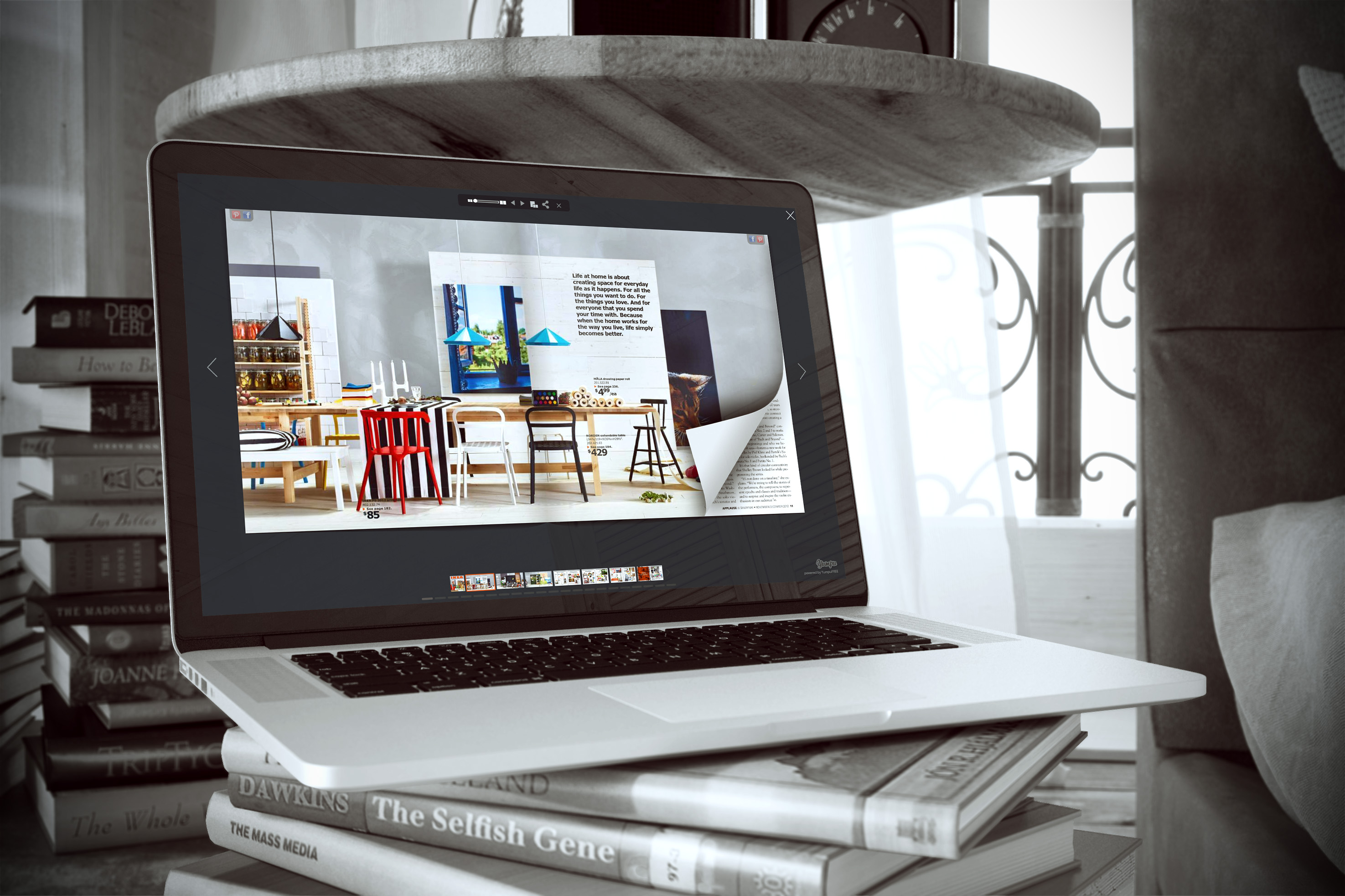
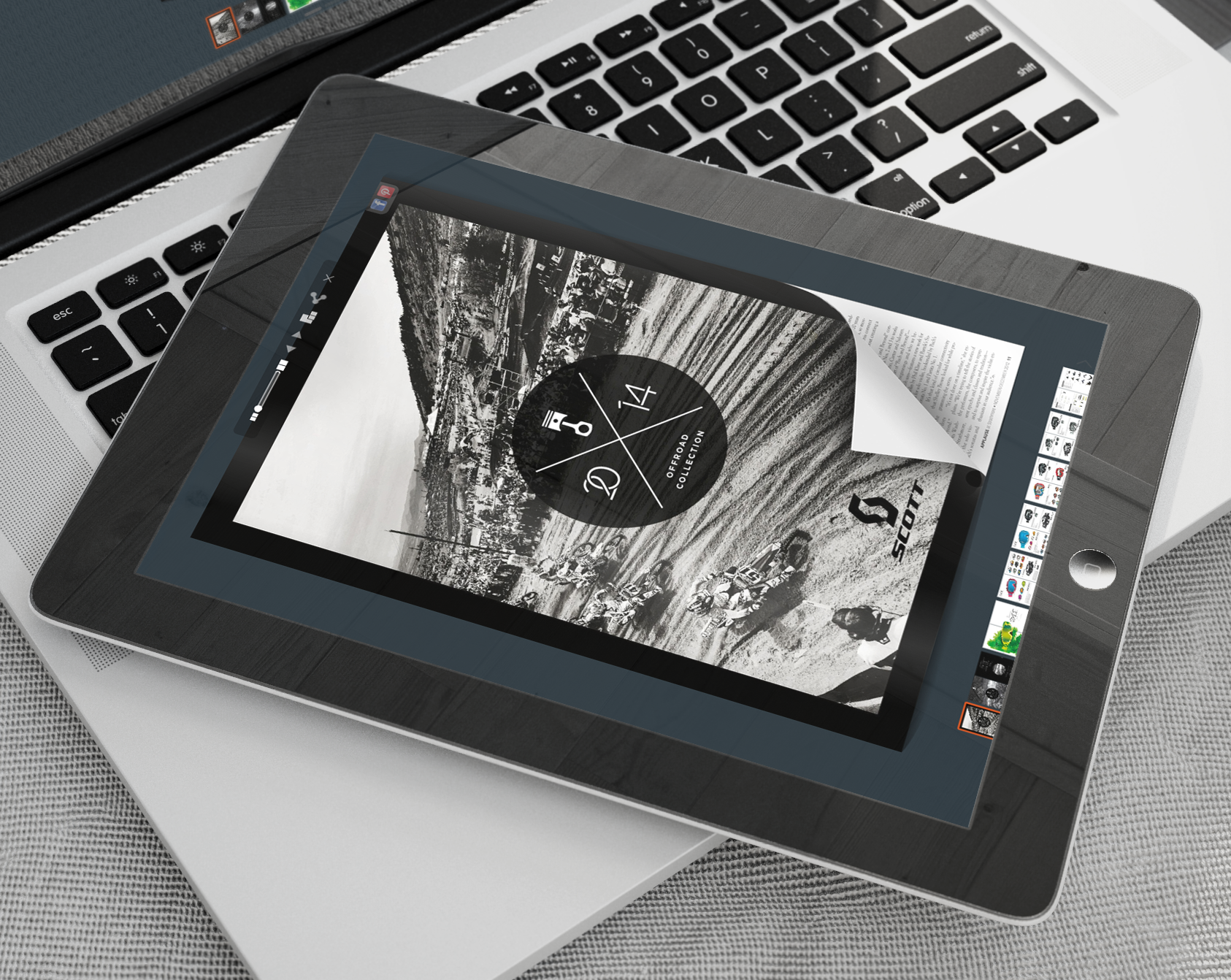
If you are launching an online magazine, then professional desktop publishing software is vital. There are several traditional options, such as Adobe InDesign, that can be used to edit text, design the layout, and process photos. However, the flipbook creator by YUMPU Publishing has become the ideal solution for today’s online magazine publishers, because it allows users to easily create flippable online magazines and catalogues without the need for any technical knowledge.
6. Market Your Magazine
In order to standout and be a successful online publisher, new media must be integrated into your marketing strategy. Facebook and Twitter are excellent free marketing tools that should definitely be exploited. Launch a Facebook Fan Page dedicated to your magazine and provide progress updates by tweeting daily. Begin a blog to whet your readers’ appetites and help market the magazine, just make sure you differentiate the magazine from the blog by offering different types of content.
By investing in the proper flipbook creator software and following these steps, you can turn any idea into a thriving online magazine in no time at all.

Leave a Reply
Your email address will not be published. Required fields are marked *
Comment sent successfully.
Comment could not be sent.
Welcome to YUMPU!

My name is Belinda Reiler.
I am very excited to begin my second year at YUMPU! What I really love about Yumpu.com is that everyone - without any technical knowledge - can create amazing looking online magazines!
What do we offer:
 Create flippable PDF for free
Start now and create and publish your own flippable magazine in just a few minutes!- Solutions for everyone
Create page flipping publications online. From beginners package to your own WEBKiosk and your own APP – there is a solution for everyone.
What our customers say:
"YUMPU convinced us with easy handling and a competitive price. YUMPU offers great performance and support. Other companies have to adjust to compete with it."

ALEX LENZ
40INCH.DE
"I love the whole idea of YUMPU and especially the people behind it, which I previously got to know! I am happy to recommend YUMPU."

GREGOR FILSER
TISCHLER-REISEN.DE
Satisfied customers tweet:
 We’re using www.yumpu.com for 2 months now. Their service is head and shoulders above what other ePaper websites have to offer.

 If you want your publication to look professional, visually stunning & expensive, you should consider #YUMPU free service.


I have been looking for a couple of days now at the different aspects of where to host my magazines, Yumpu.com wins all the time